
From Your Vonza Dashboard
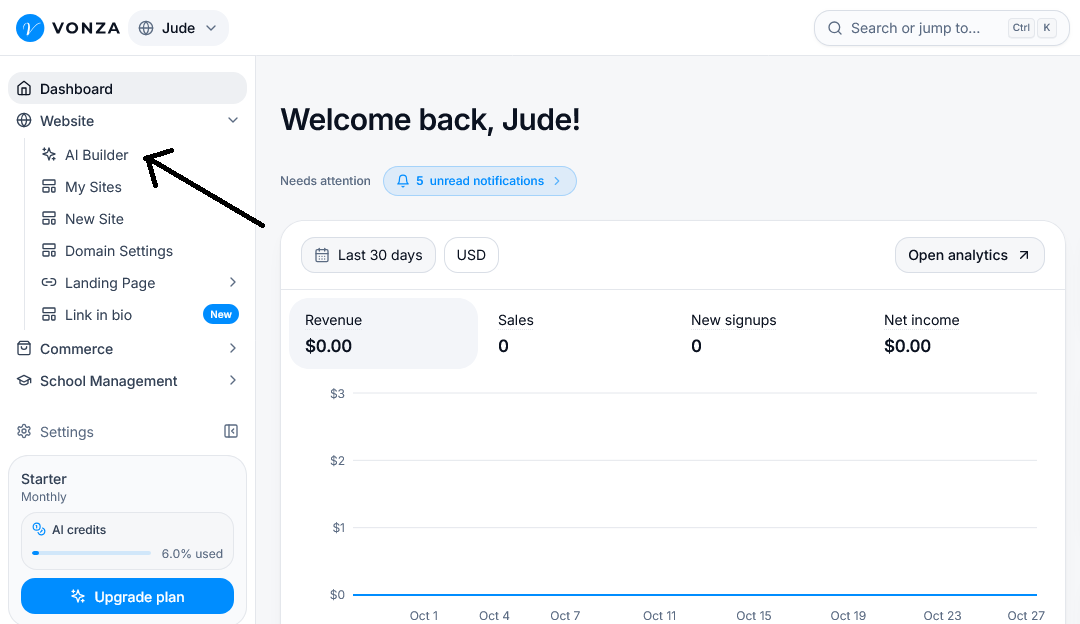
1. On your Vonza dashboard, click Website > AI Builder.
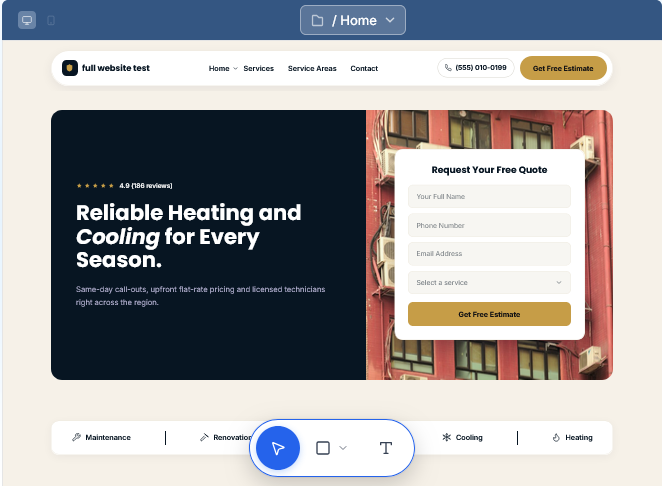
2. Open the website you want to add your logo and fav icon
3. Click the website name at the top of the builder to open the Project Overview panel
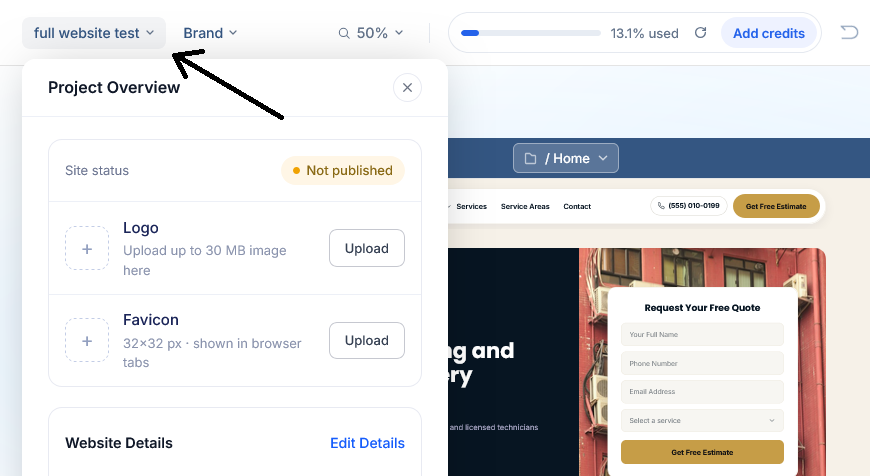
4. Under the project Overview section, locate the Logo and Favicon options.
Logo: Click Upload to select and upload your website logo (up to 30 MB).
Favicon: Click Upload to select and upload your favicon (32 × 32 px). This is the small icon displayed in browser tabs.