From Your Vonza Dashboard
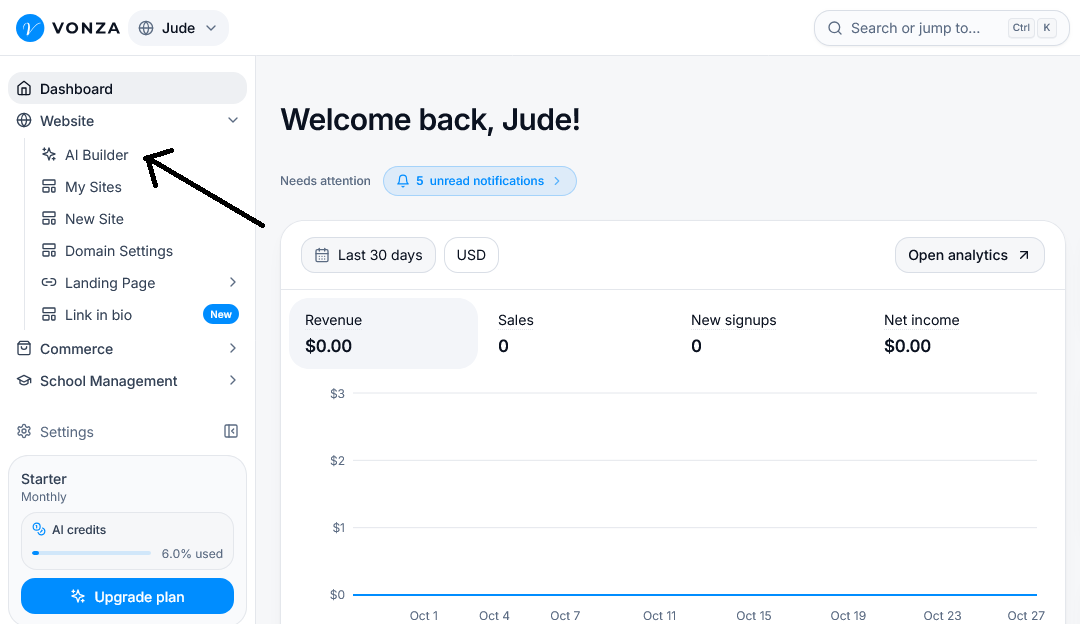
1. On your Vonza dashboard, click Website > AI Builder.
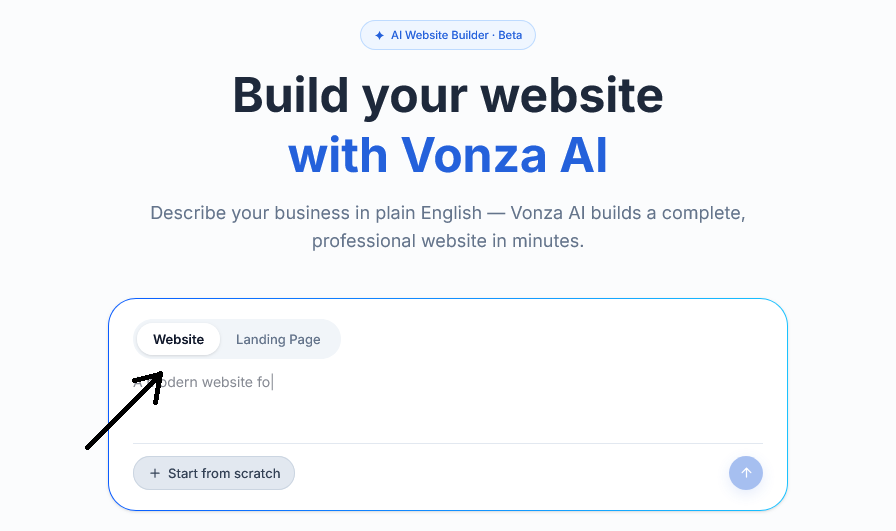
2. Click on the tab to select the type of website you want to create: Landing page or Website.
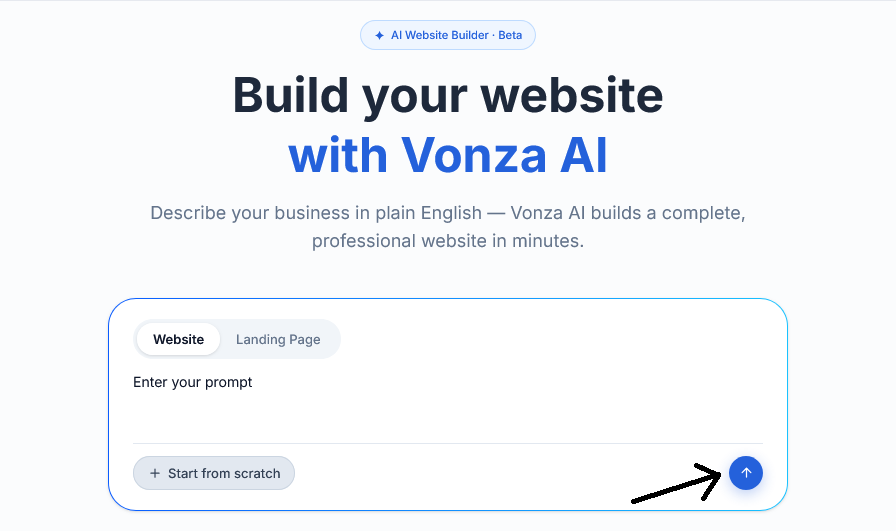
3. Enter a prompt that best describes the website you want to create
Note: Click the blue button and allow the AI Builder to generate your website based on the information provided.
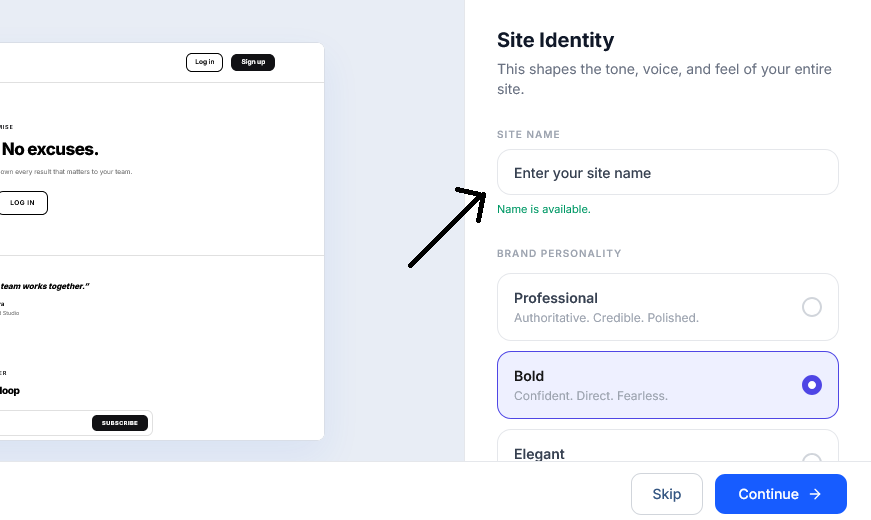
4. Enter your preferred website name and customize the personality of your website.
5. You can Edit the pages, customize the design, add content and make other changes to suit your needs by clicking on any section or using the Add section tab.
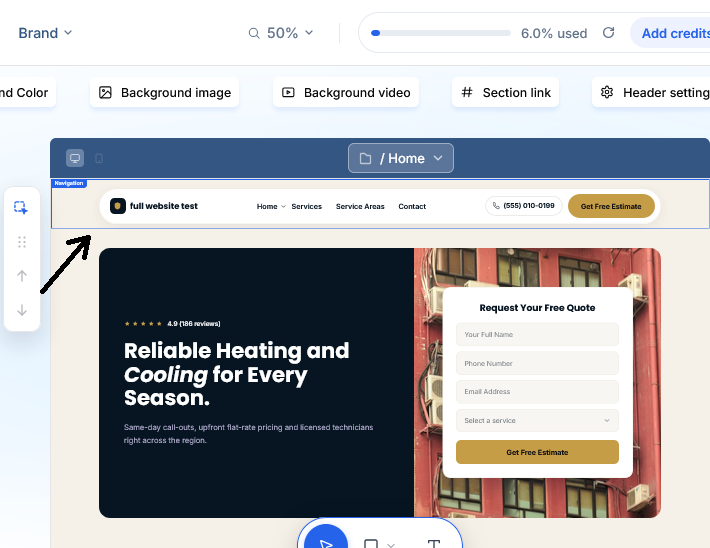
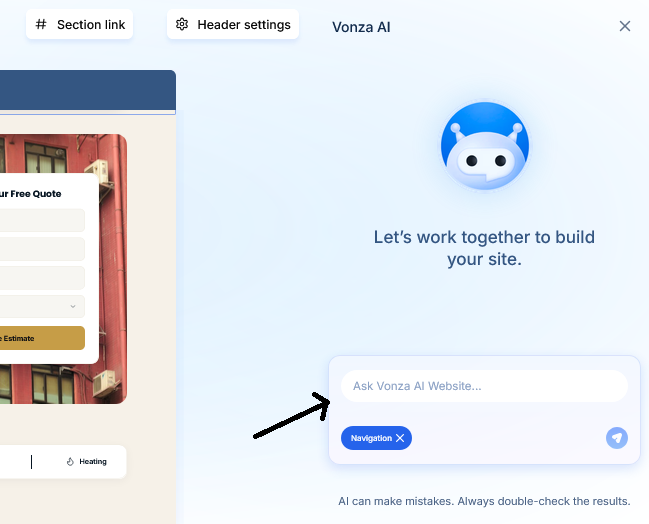
6. Your best friend is the Ask Vonza Ai chat! use it to prompt any changes you would like to see on your website.
Note: When you are satisfied with your website, preview and publish it.