From Your Vonza Dashboard
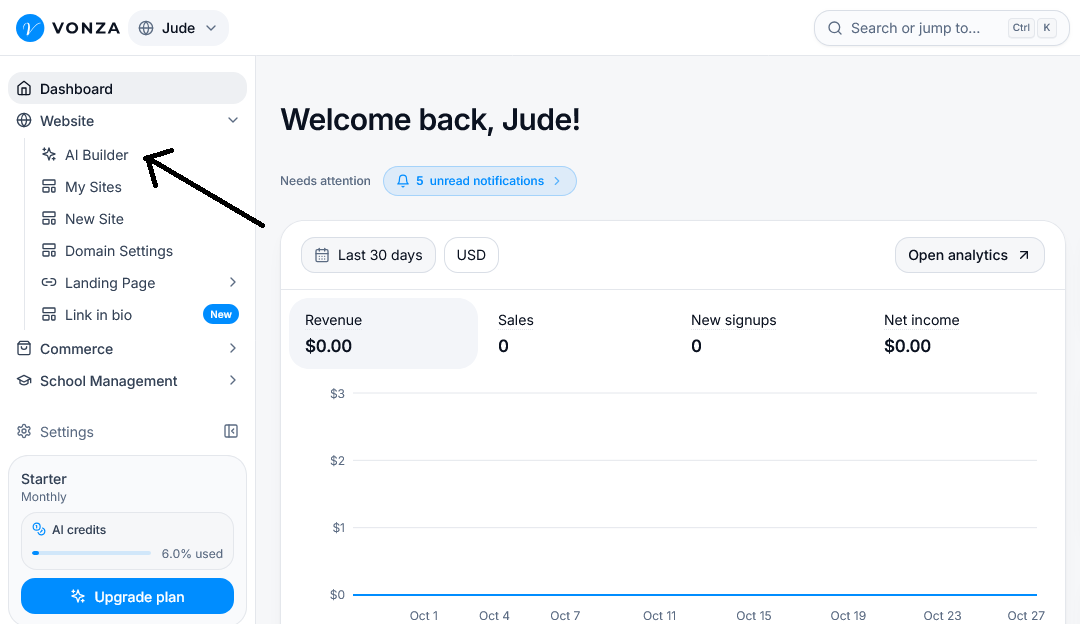
1. On your Vonza dashboard, click Website > AI Builder.
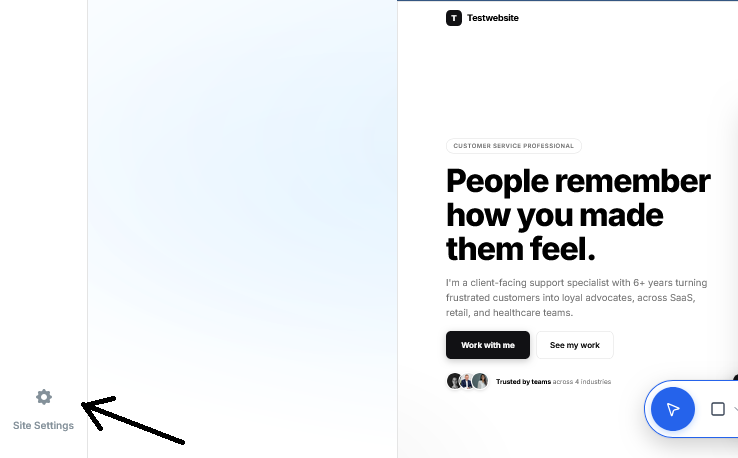
2. Open the website you want to set up tracking for and click on Site settings.
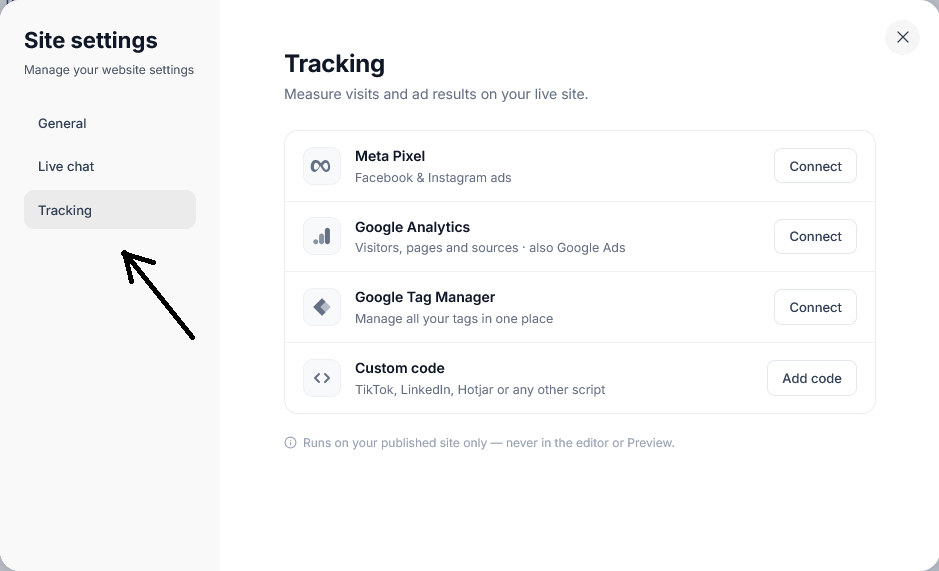
3. Click the Tracking Section, locate the tracking tool you want to connect
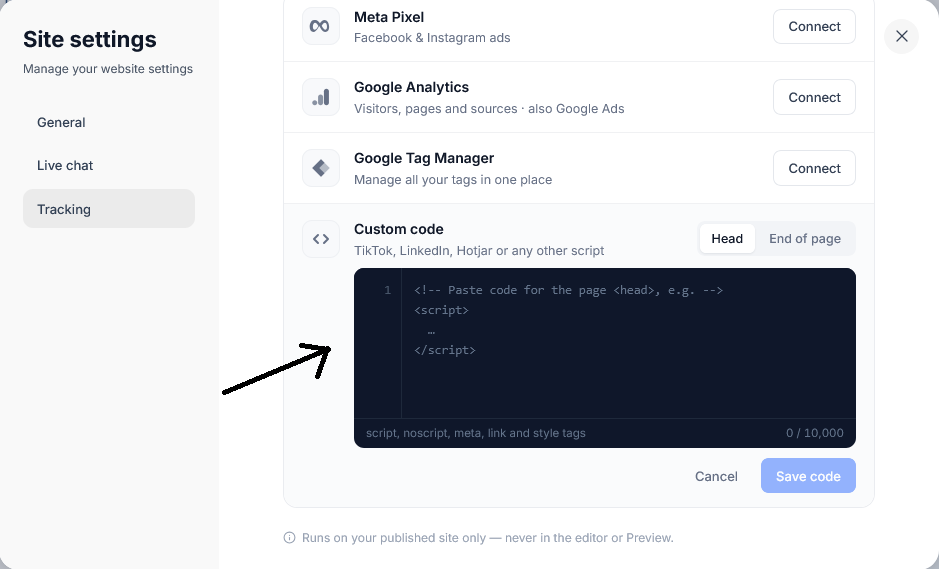
4. Click the Add code button and paste your custom tracking script into the designated code field and save your changes.