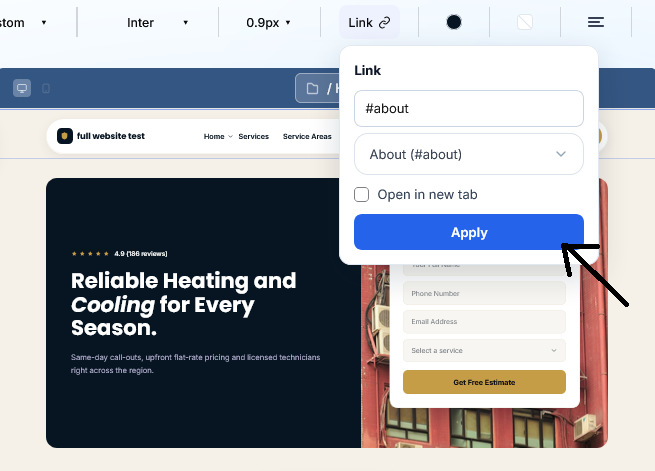
Follow these steps to add anchor links to your website menu list
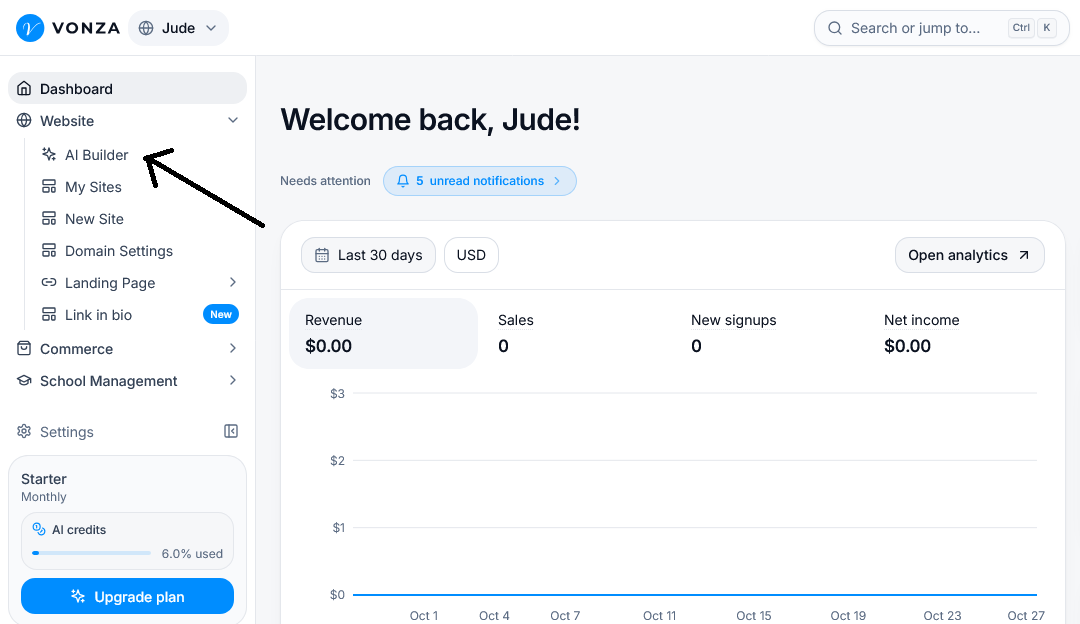
From Your Vonza Dashboard
1. On your Vonza dashboard, click Website > AI Builder.
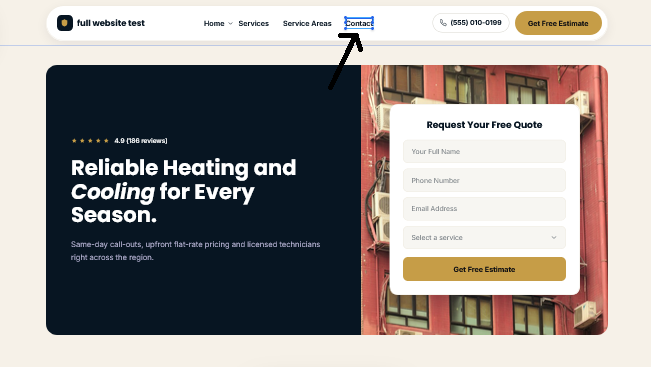
2. Open your Website and select the menu list item you want to connect to a section
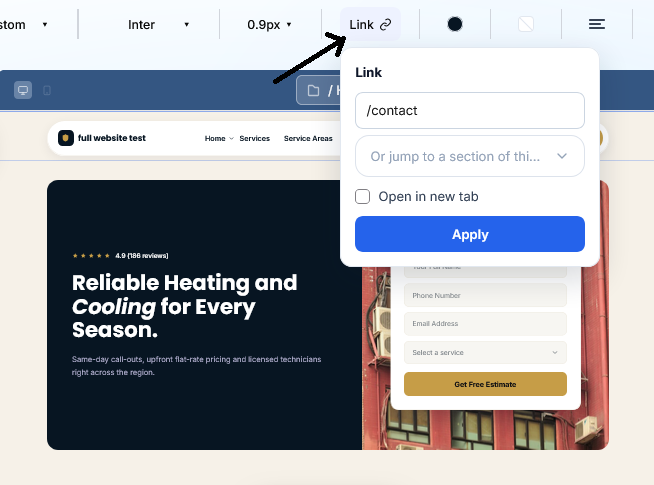
3. Click the Link icon in the editor toolbar to open the links settings.
In the Link field, click the section dropdown labelled Or jump to a section of this... to view the available sections on your website.
3. Click the Apply button to save your changes.