Follow these steps to create your website using a template
From Your Vonza Dashboard
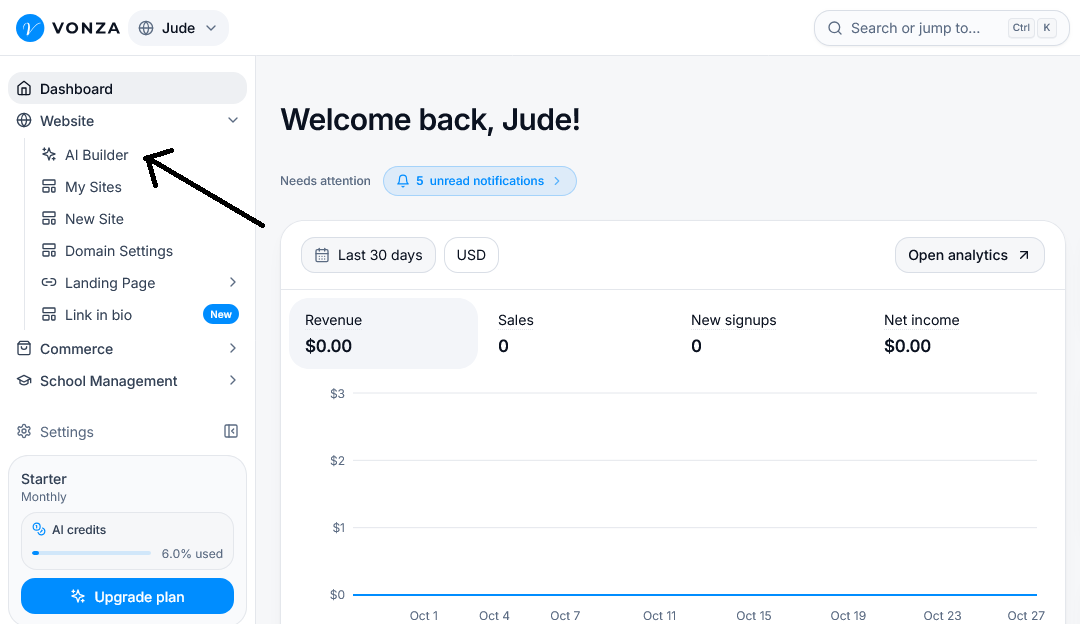
1. On your Vonza dashboard, click Website > AI Builder.
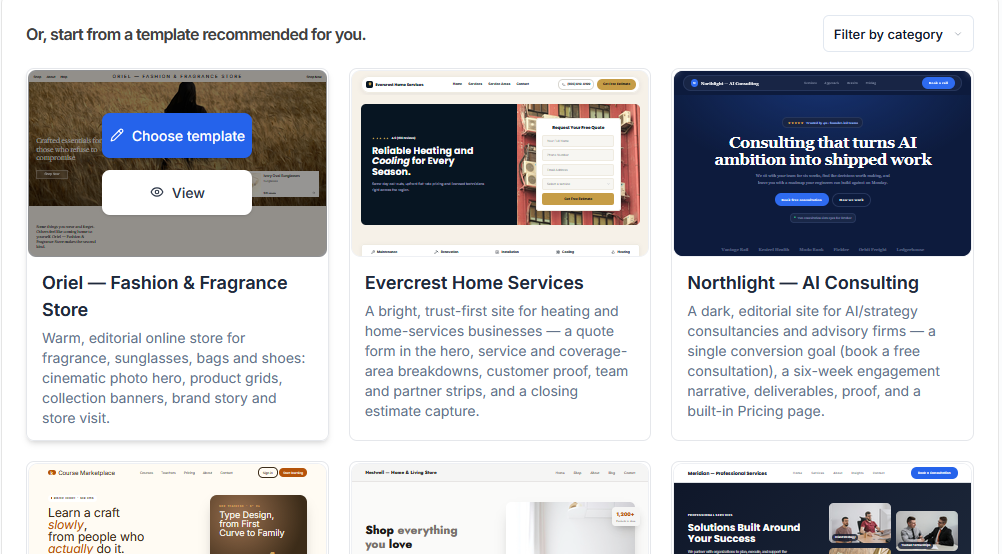
2. Start creating your Websites
Note: Browse through the available templates, explore the different designs and layouts and select the choose template button.
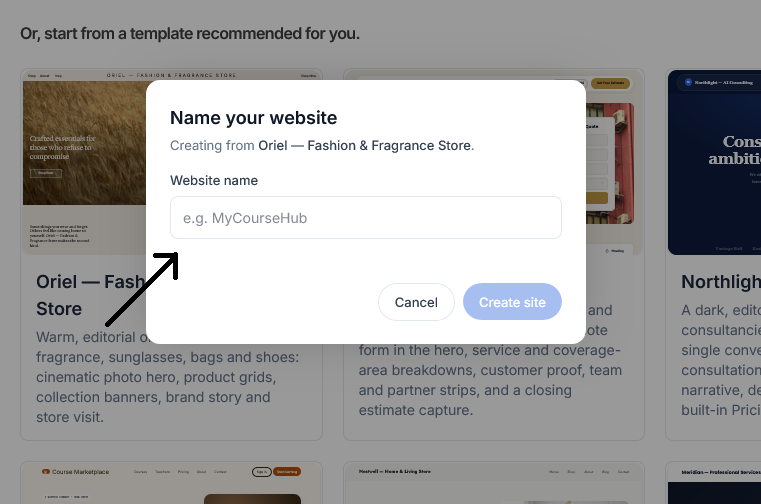
3. Enter a Name for your website in the provided field, then click the create site button to start customizing your new website.