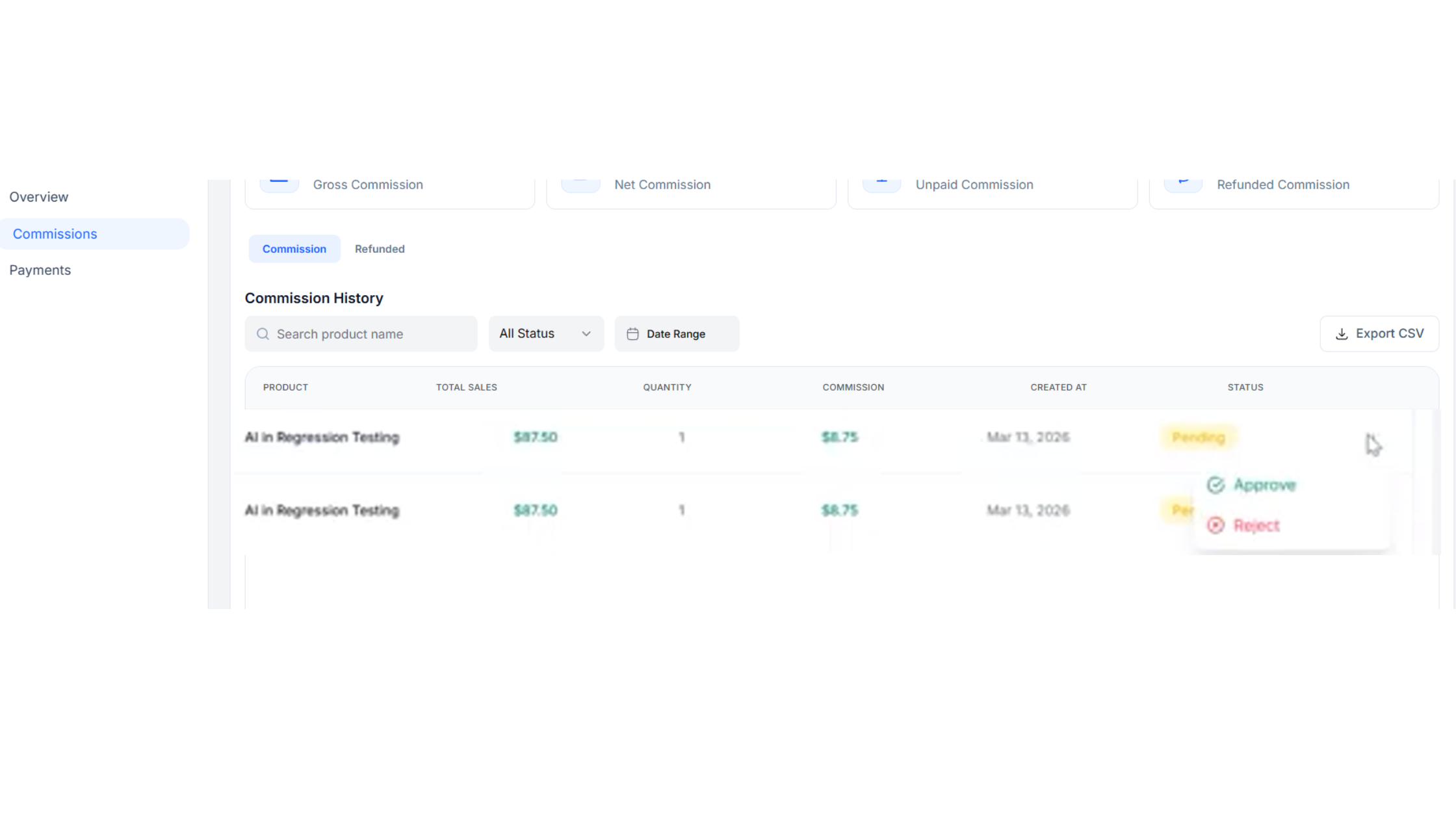
You must manually approve or reject a commission or else it will keep showing pending
1. From your dashboard, click on Affiliates on the left side of your Vonza dashboard
2. Click on the My Affiliates, scroll to the eye section of the affiliate you choose.
3. Another window opens up which shows you all the details of the affiliate.
4. Click on the Commissions tab and then click on the 3 dots of the commission to either approve or reject the commission
5. Watch the video below for more information.