
Follow steps below to start your Live Stream on Vonza
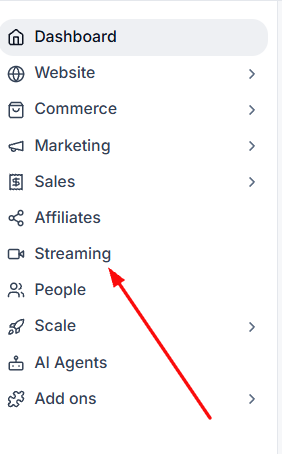
1. Click on the Streaming tab on the left side bar.
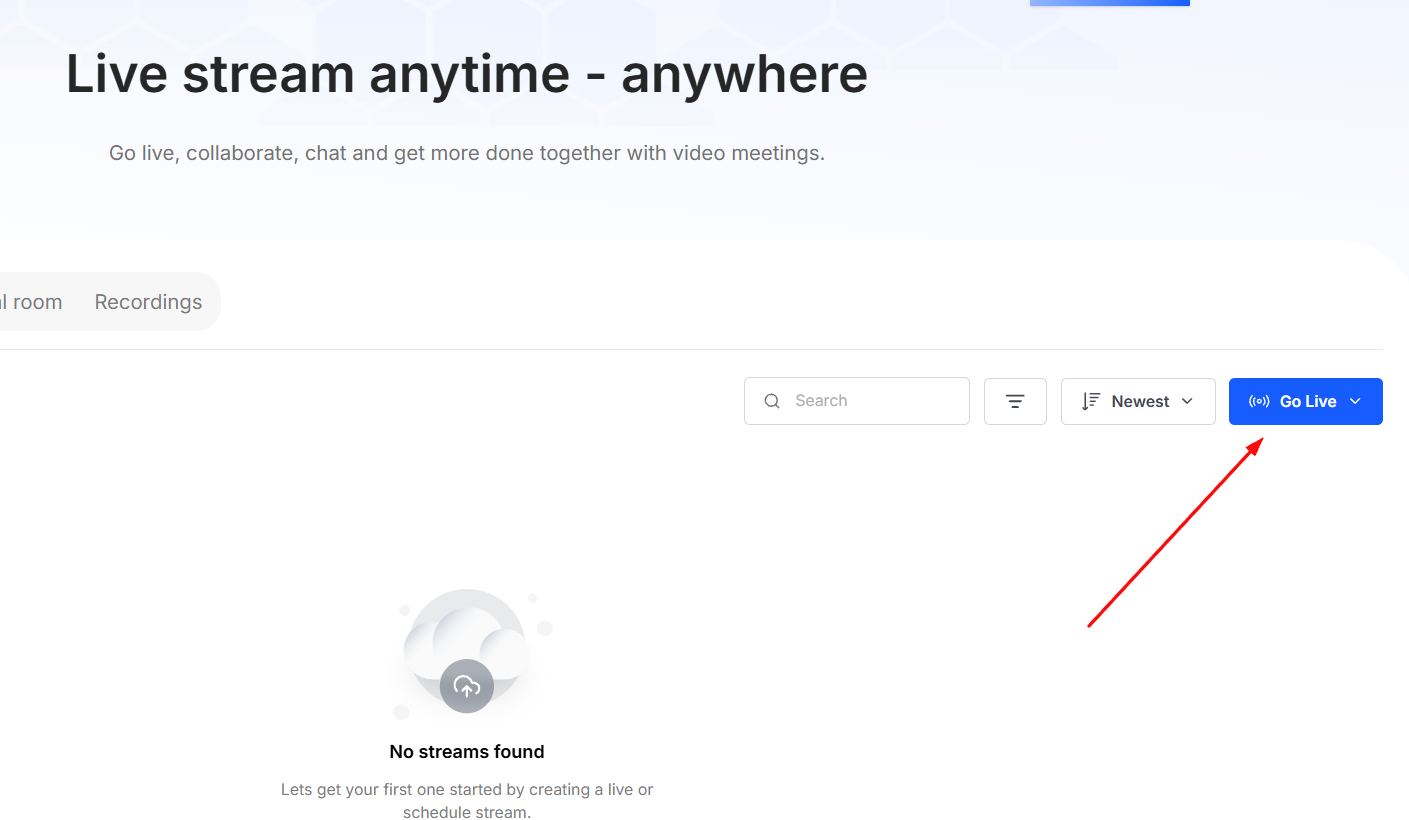
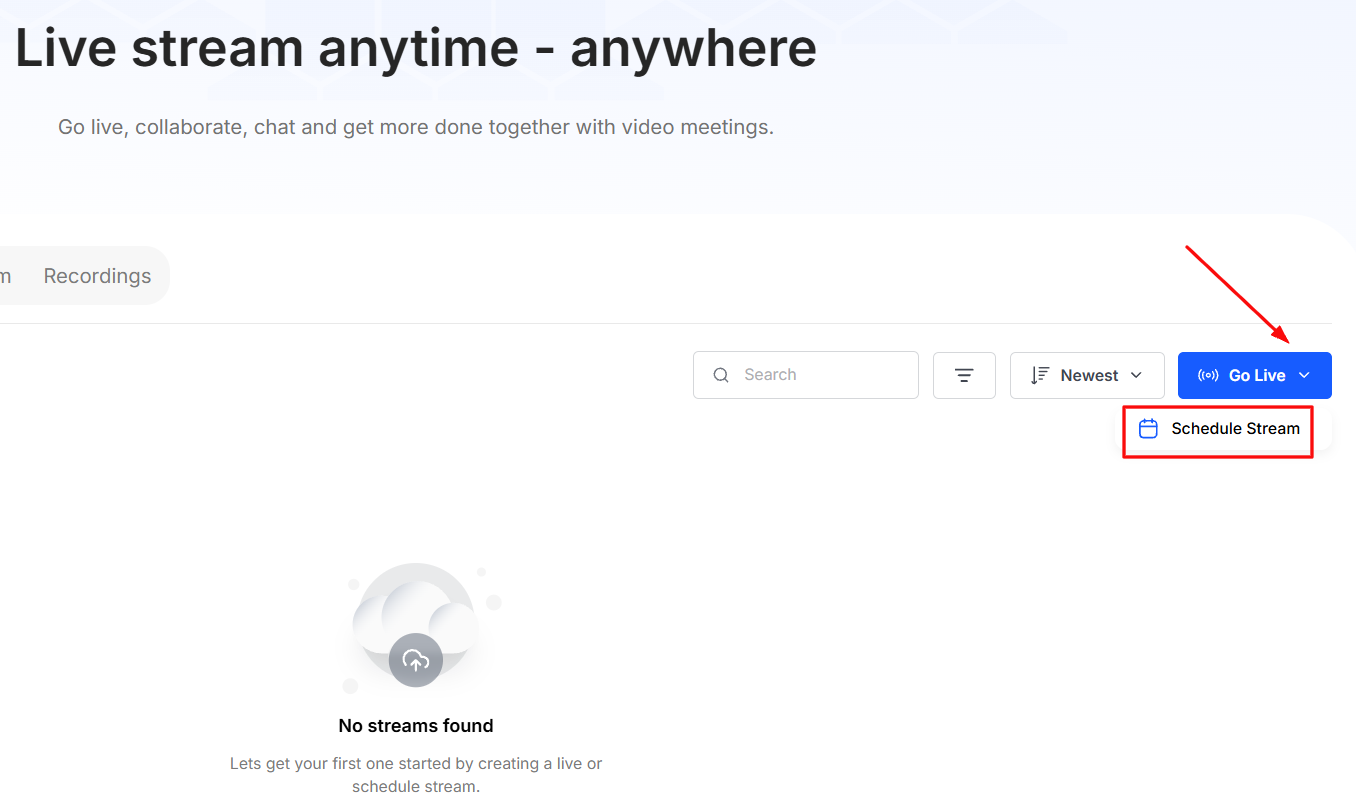
2. Click on the Go Live Button.
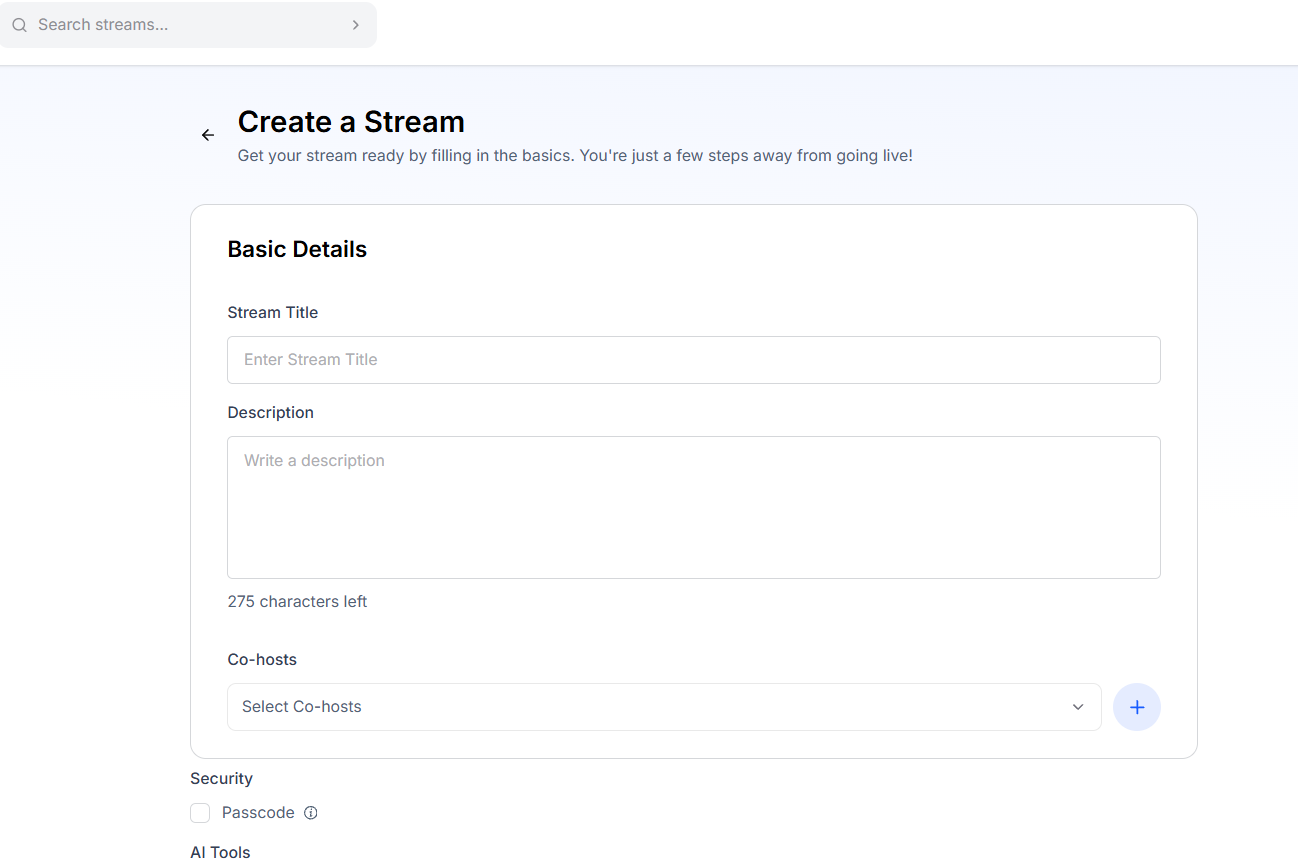
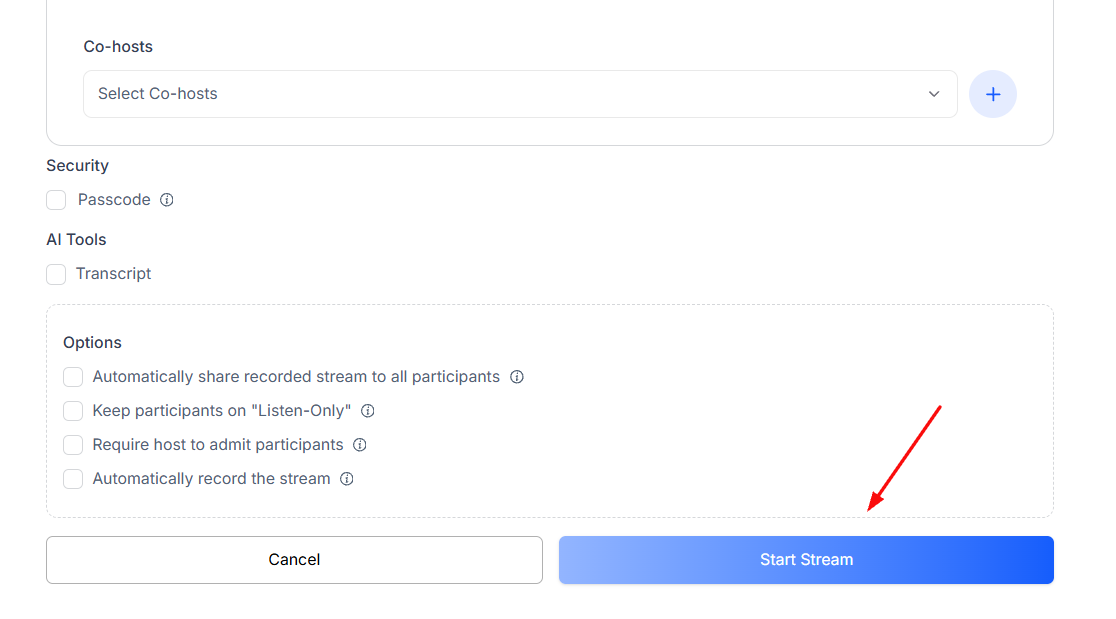
3. Enter all basic details and click on the Start Stream button.
4. You can also schedule a stream by clicking on the drop down arrow.
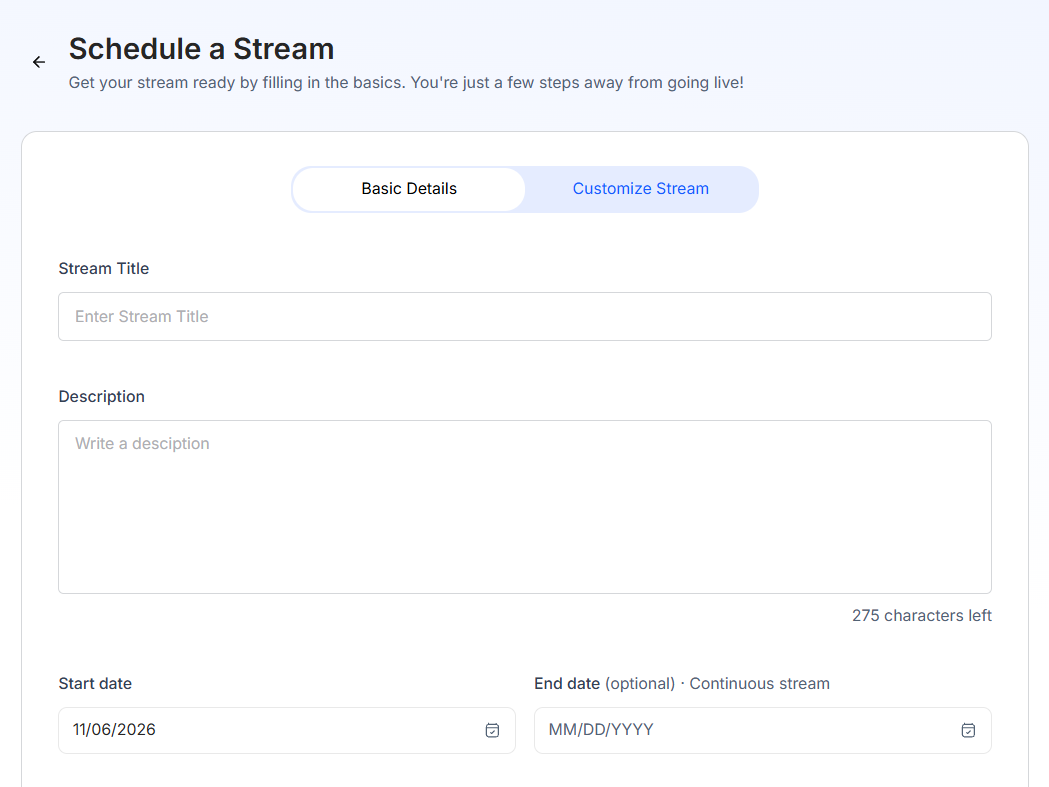
5. Configure your stream details.
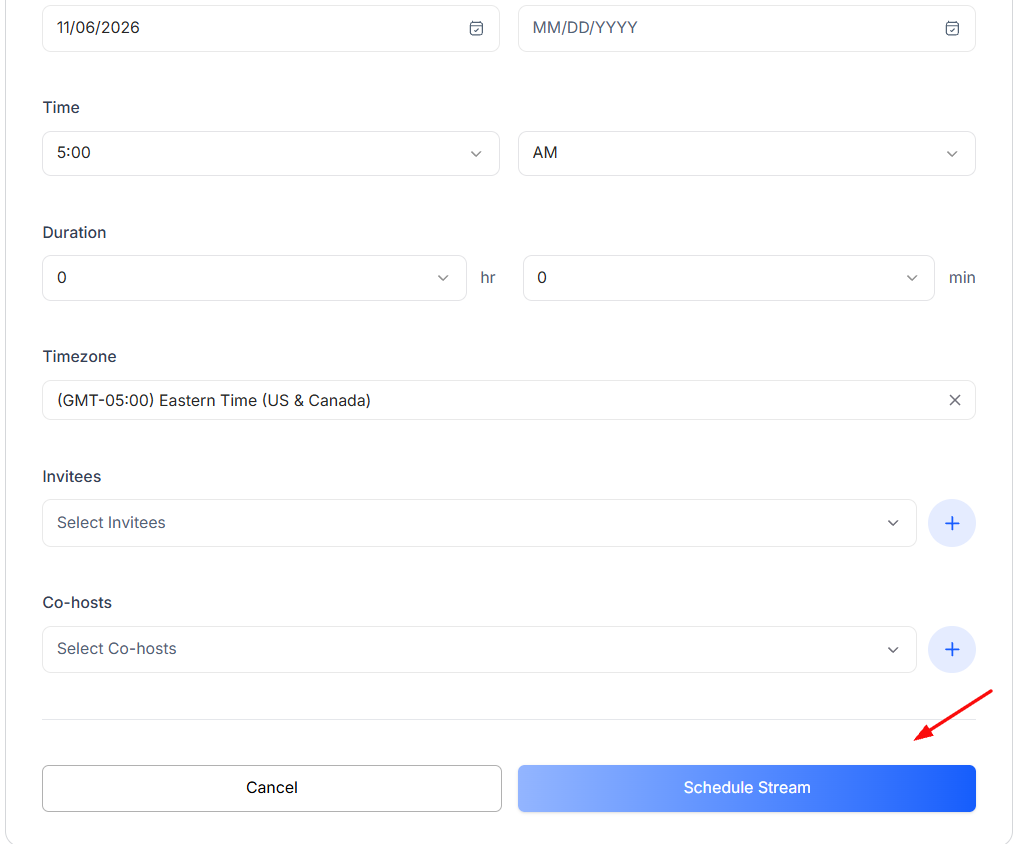
6. Click on the Schedule Stream button.
Note:
Currently, if a Vonzanite's limit is exceeded mid-stream, the ongoing stream continues uninterrupted - there's no mid-stream impact. However, when he tries to create a new stream, the system blocks it.
As for the negative minutes, they're automatically offset against the next purchase — so any new minutes bought are first applied to clear the negative balance before becoming available for use.