How to Use your Vonza Analytics Agent Brainy
Print
Modified on: Fri, 6 Nov, 2026 at 3:54 AM
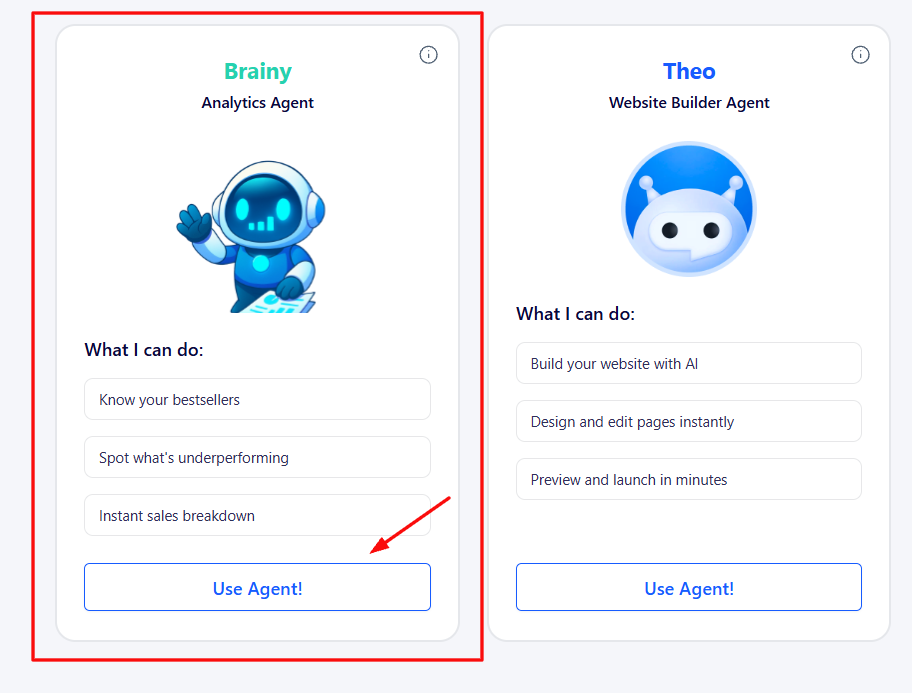
You can use AI for analytics on Vonza. It can:
- Know your bestsellers
- Spot what is underperforming
- Instant sales breakdown
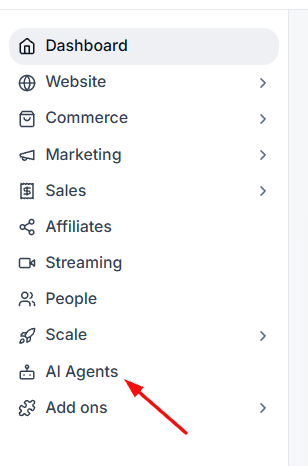
1. Click on the AI Agents tab on the left side bar.
2. Click on Brainy (Analytics Agent).
3. Click on the Use Agent button.
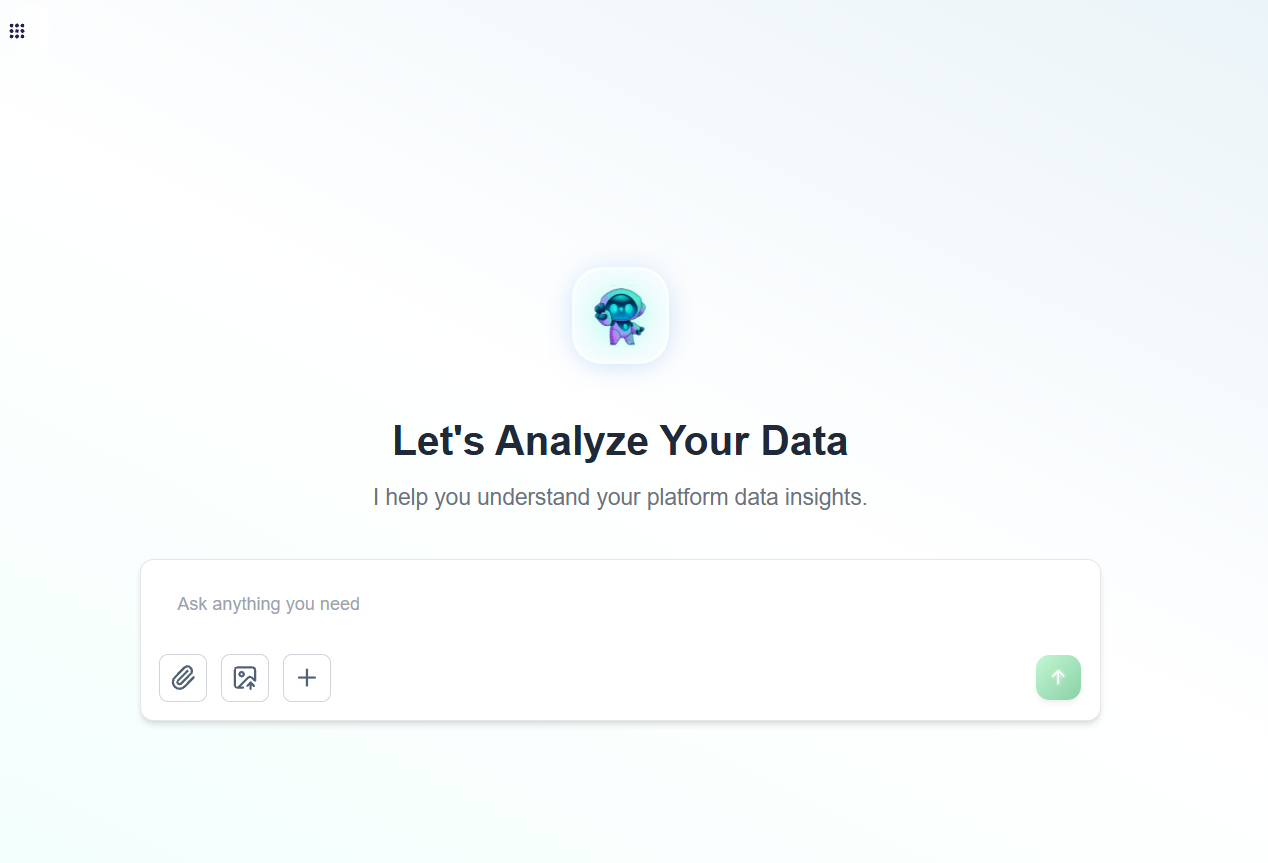
4. Start entering your prompts for Brainy to give you detailed responses.
Did you find it helpful?
Yes
No
Send feedback Sorry we couldn't be helpful. Help us improve this article with your feedback.