Use the checkout page for your products and offers in these easy steps:
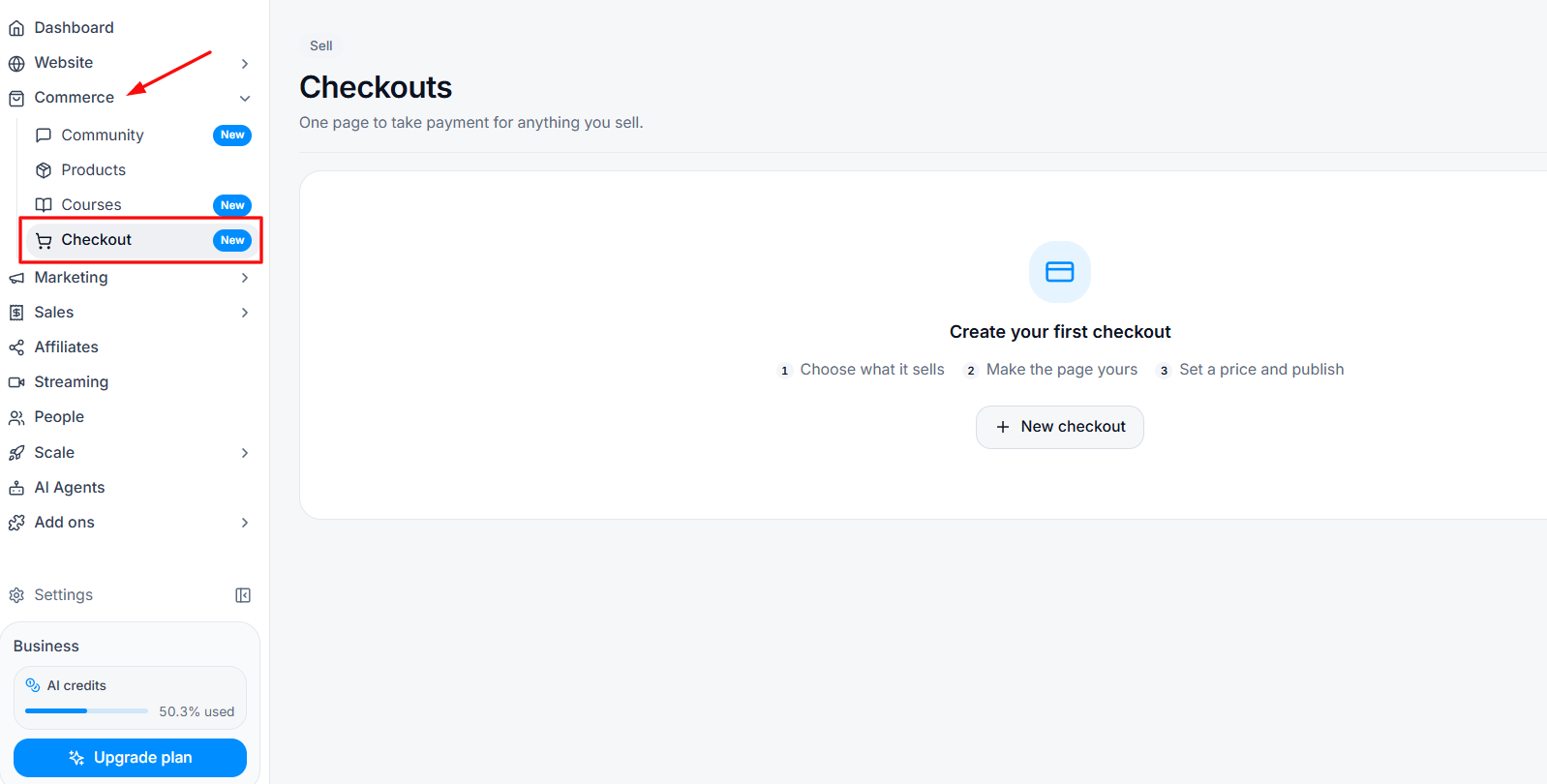
1. Click on the Commerce on the left and Select Checkout and click on the New Checkout button.
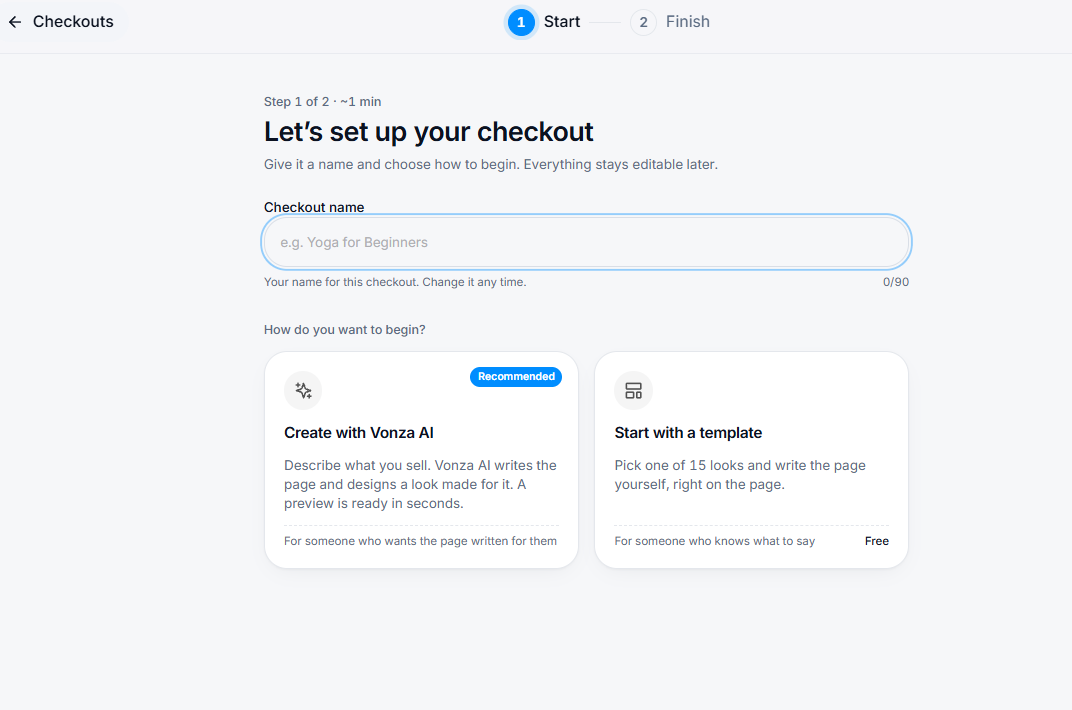
2. Give a checkout name. Choose if you want to create your checkout with Vonza AI or Start with a template.
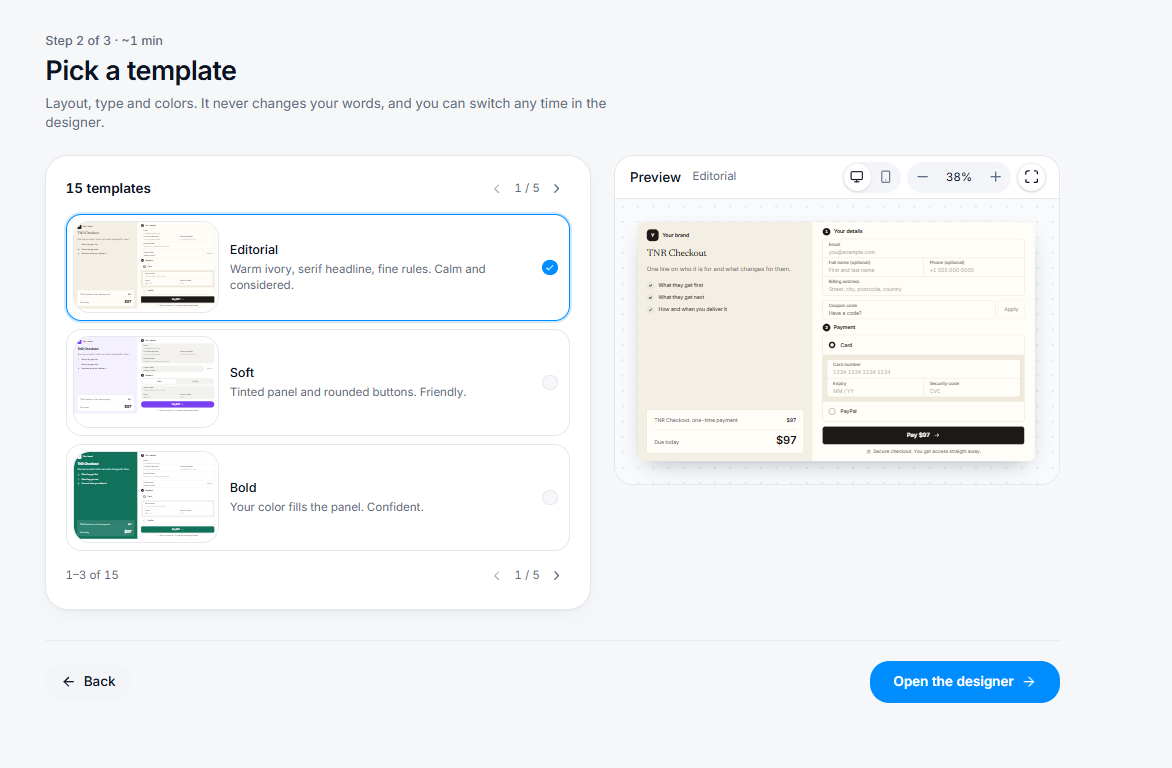
3. Select the Start with a template card and pick a template.
4. The designer opens up. Then start customizing from the left - set your price, customization, attach an item, payment methods etc.
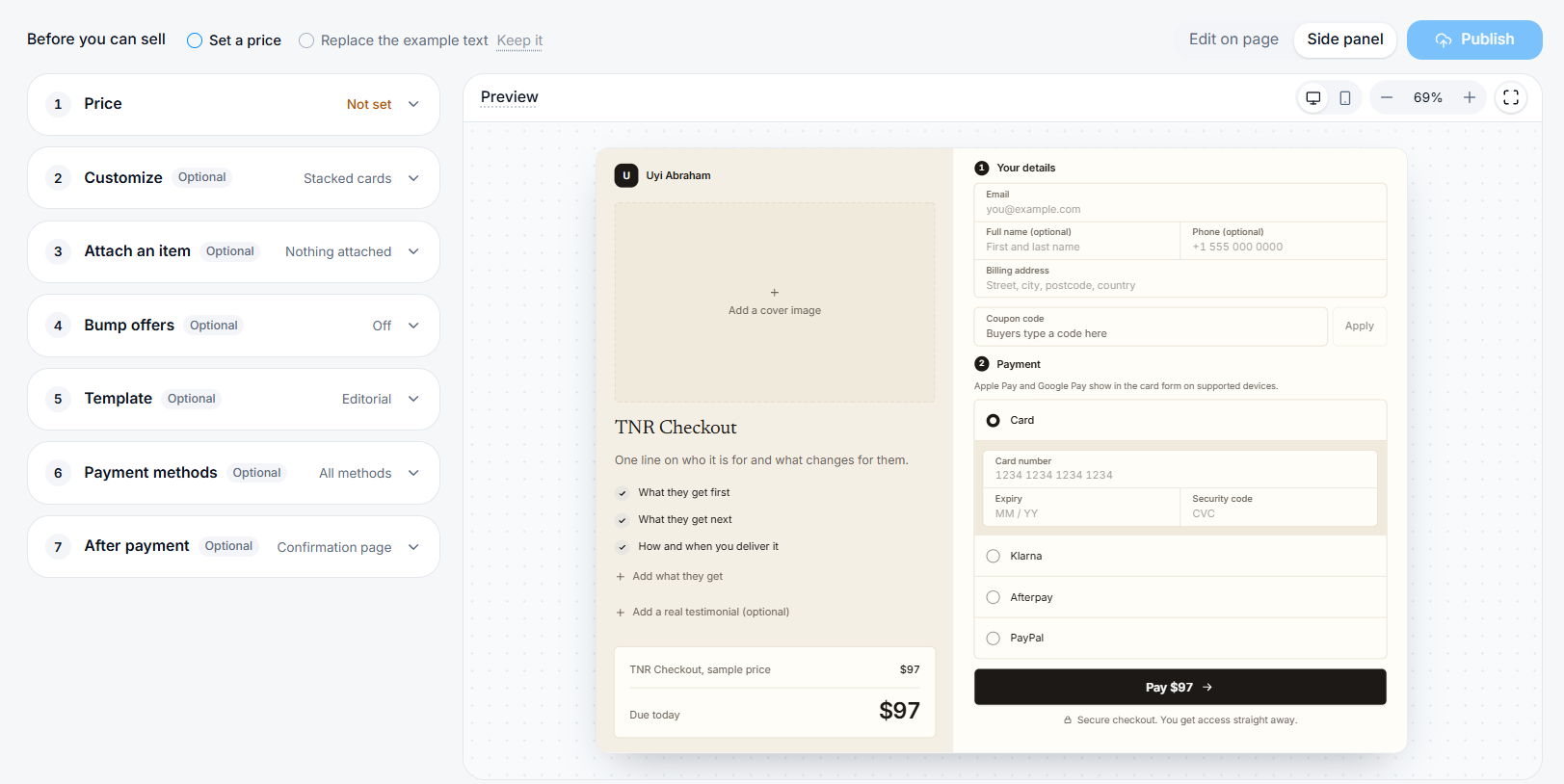
5. When done, click on the Publish button on the top right.
6. Click on the Copy link button.
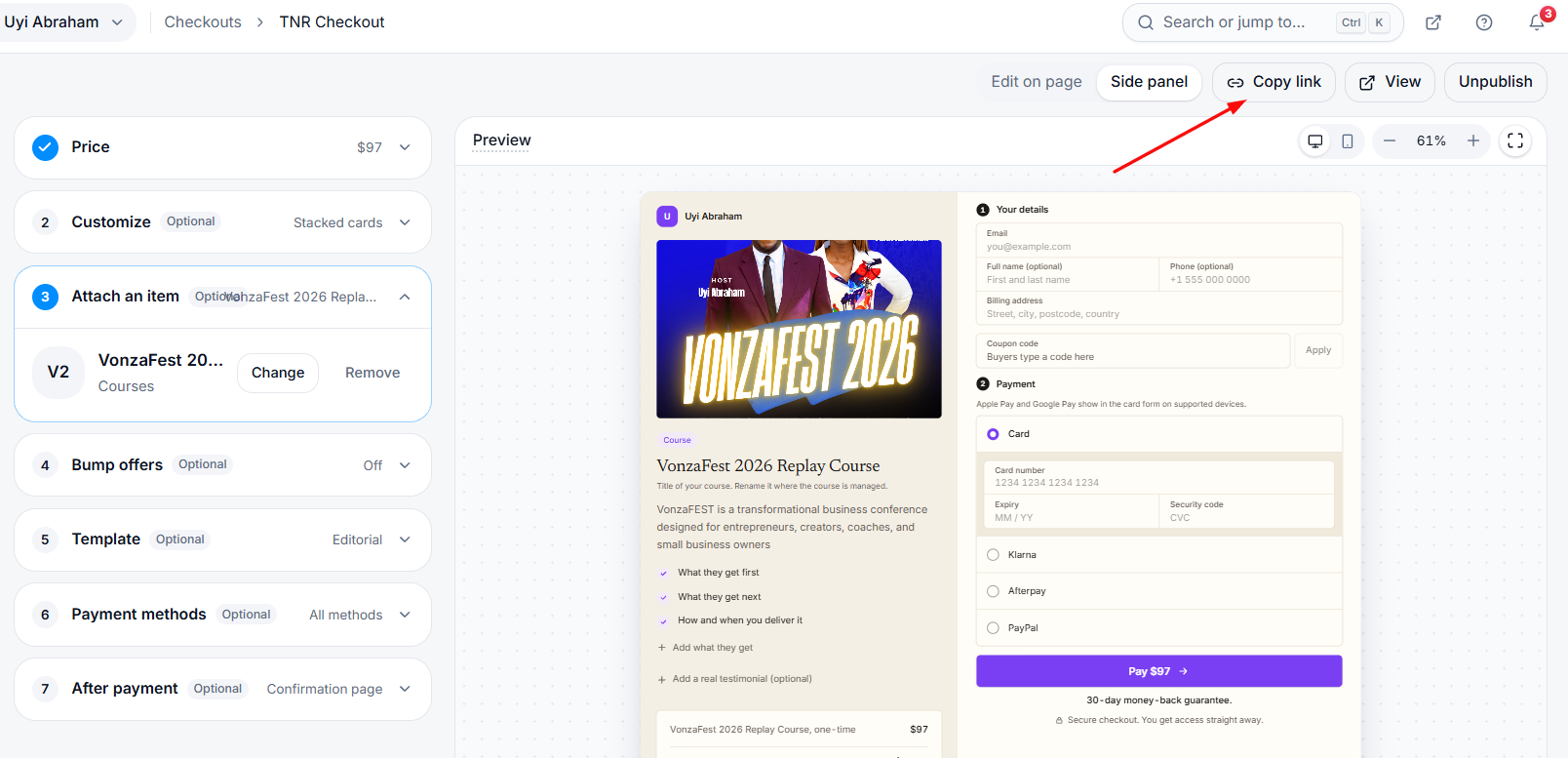
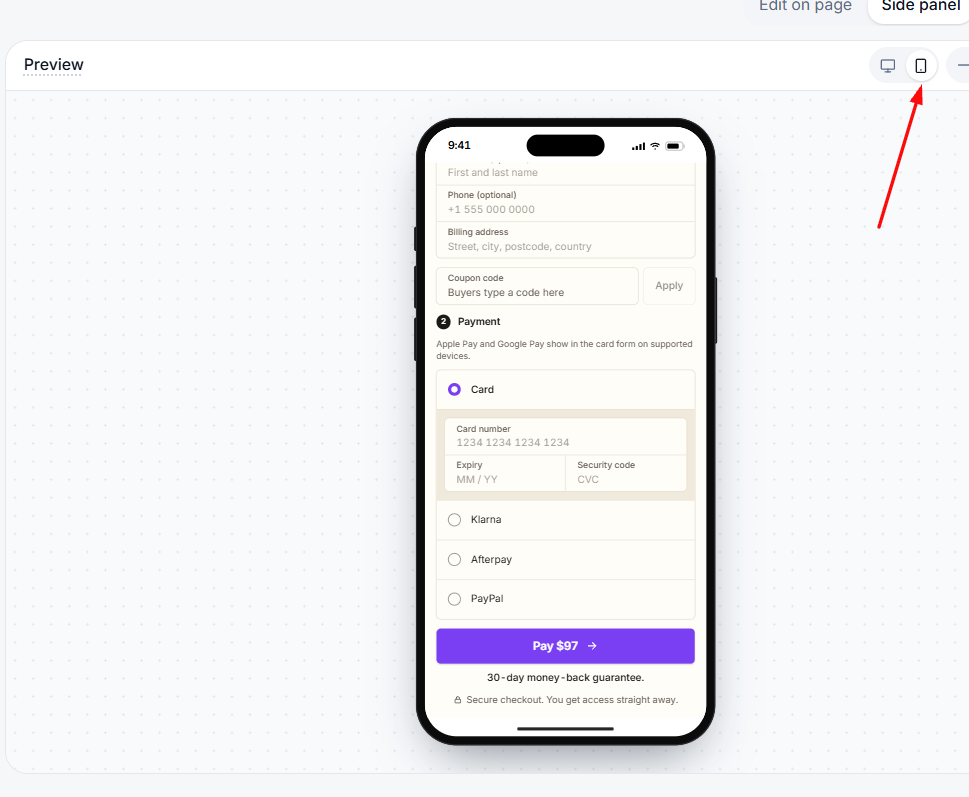
7. Preview on mobile