Recover Your Vonza Account Password
Print
Modified on: Thu, 29 Oct, 2026 at 4:53 PM
Reset Your Password from Vonza's Homepage
1. To reset your password via Vonza homepage, navigate to Vonza.com and click Login in the upper right-hand corner.
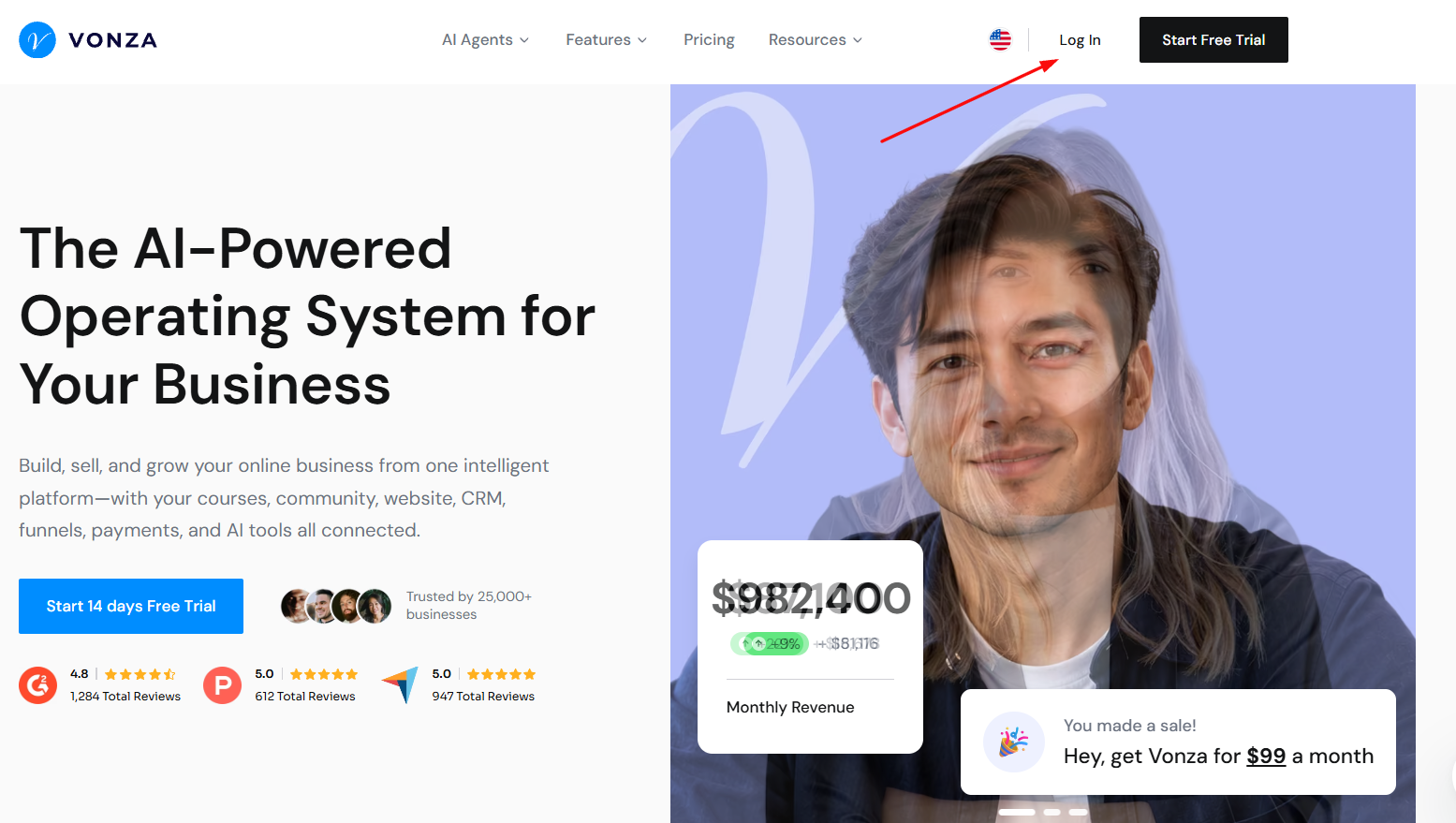
2. In the login window that appears, click Forgot password? link beneath the Login button.
3. Then, enter the email address associated with your account and click Reset Password.
4. You'll receive an email with instructions on how to reset your password in a few minutes. If you can't find the password reset email, check your spam or junk mail folder.
5. Once you receive the email, click on the link and follow instructions to reset your new password.
Did you find it helpful?
Yes
No
Send feedback Sorry we couldn't be helpful. Help us improve this article with your feedback.